

Connect in DunMove
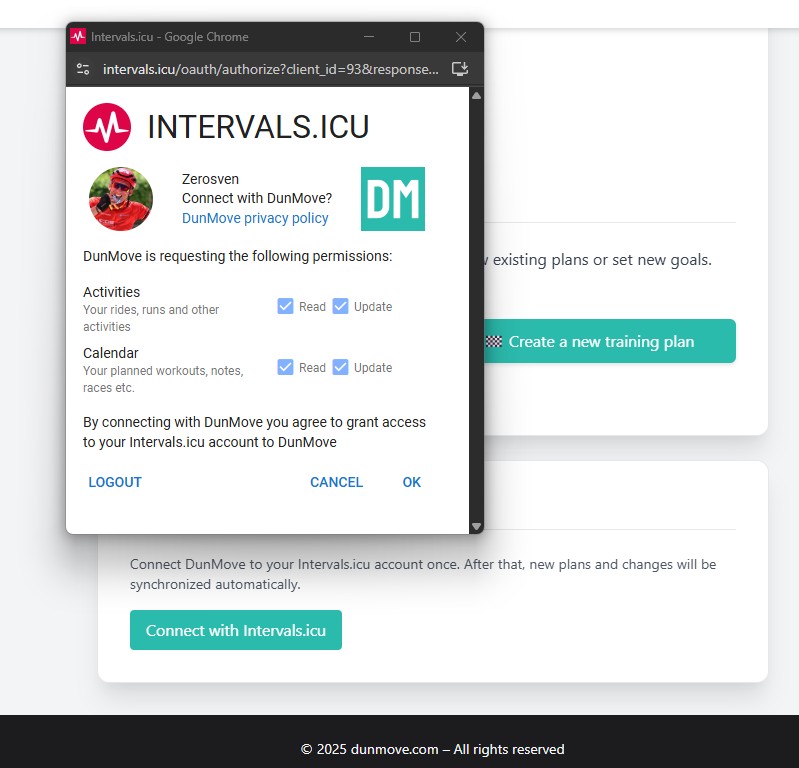
Open "My area" (Dashboard) -> 'Overview' and click on "Connect to Intervals.icu". Log in to Intervals.icu and allow access.
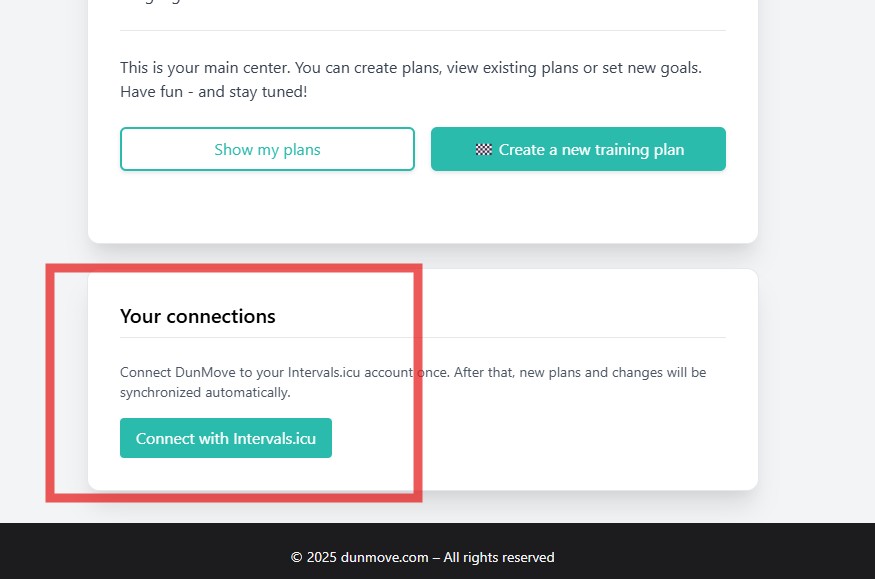
Automatic synchronization via OAuth is the supported way to connect your plans with Intervals.icu.
Connect once - then new plans and all plan changes are automatically transferred to Intervals.icu.
Open "My area" (Dashboard) -> 'Overview' and click on "Connect to Intervals.icu". Log in to Intervals.icu and allow access.
New plans and plan changes are sent automatically. Several plans can be active at the same time.
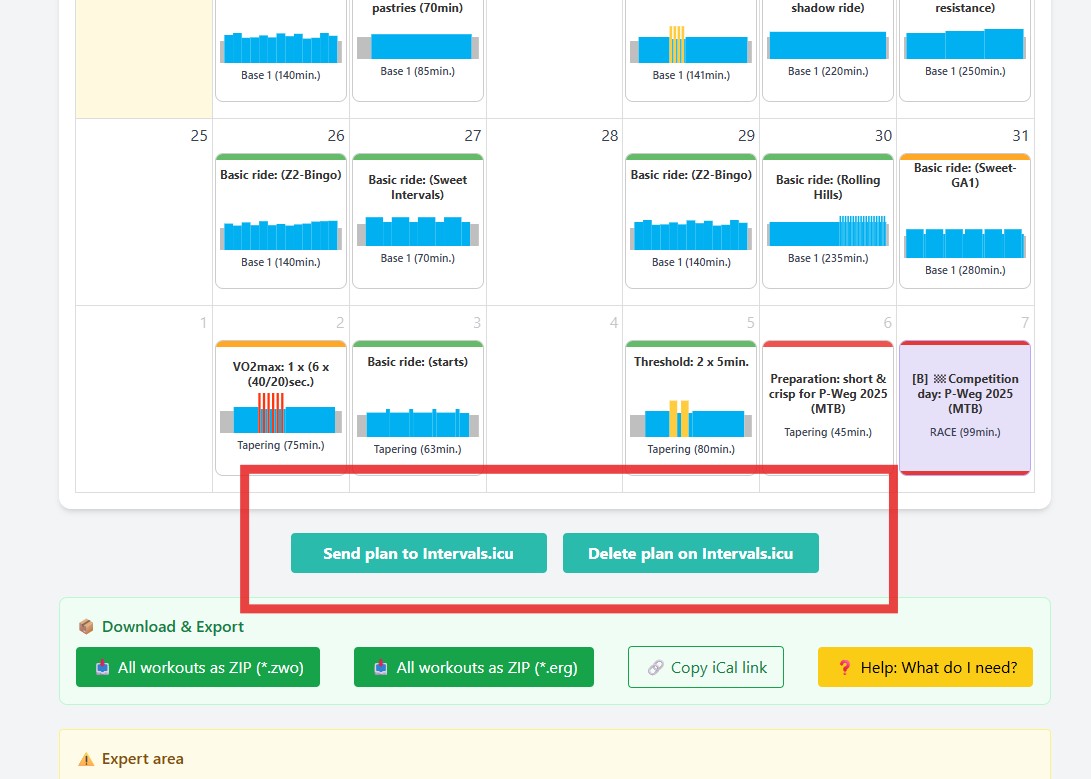
Open the respective plan calendar in DunMove and use 'Send to Intervals.icu' or 'Remove from Intervals.icu' for individual plans.
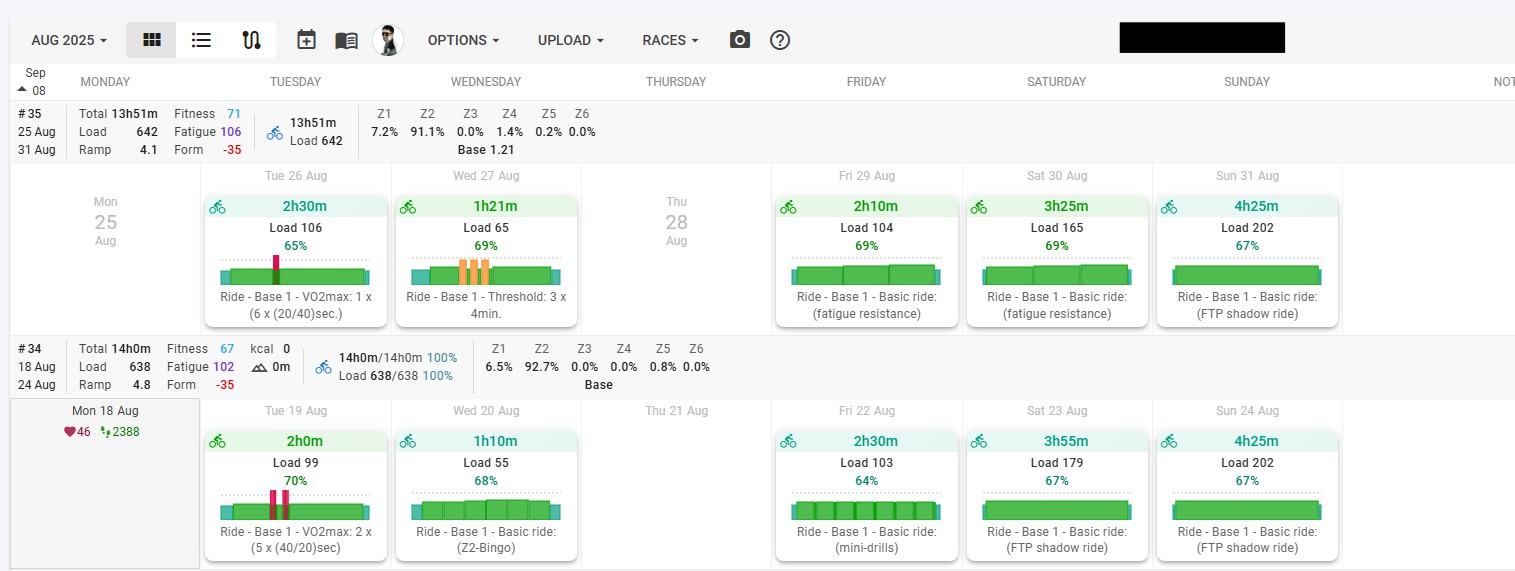
Notes
New iCal/ICS files and links are no longer actively offered or supported. Existing links may continue to be used but are considered outdated and may expire without guarantee. For new connections, please use OAuth synchronization.